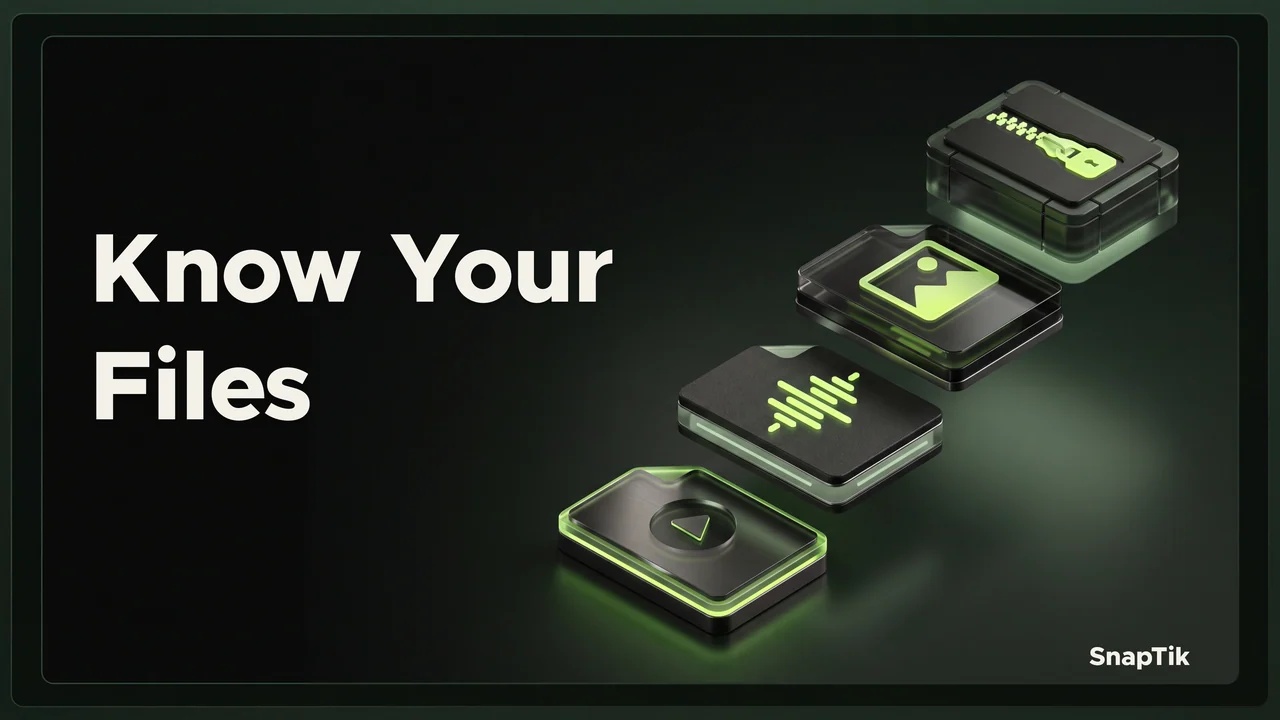
Use MP4 for an available video, MP3 for audio, JPEG for a still photo, and ZIP for a downloadable group of slideshow photos. These are different kinds of output, not four quality levels for the same file. SnapTik's ZIP contains JPEG images without audio. Select the result that matches what you want to use after downloading, then open it with an appropriate app.
Let the intended use guide the choice
Ask what you need to do with the content. Watching movement requires a video. Listening without the picture requires audio. Inspecting one still image calls for a photo. Keeping a set together can make an archive useful. Starting with that decision is easier than selecting a familiar extension and discovering later that it cannot contain the result you expected.
When you choose an available format on SnapTik, the options depend on the post and the media that can be provided. Not every post produces every kind of result. A listed format describes the output that is available, rather than promising to recover material that is missing from the source. Check the preview and the save action associated with the particular option.
MP4 holds moving video
A typical SnapTik video name is SnapTik - ID.mp4. MP4 is a media container, so the video and any accompanying audio are stored in a package that a player reads. The extension does not state the resolution or promise compatibility with every possible player. The media streams inside the file still need to be supported by the app that opens them.
Keep an MP4 when movement and timing matter to the task. After saving, check the beginning and ending so you know that the complete clip is usable. If it fails to open, use the video playback troubleshooting guide before changing its name. A photo archive with an MP4 extension would still be a photo archive, not a movie.
MP3 provides audio without a picture
An audio result uses a name such as SnapTik - ID.mp3. MP3 stores encoded audio, rather than a moving video track. It is useful when the available sound is what you need, but its duration and content should be checked against the post. It should not be assumed to contain a full song, an isolated voice, or separate music and dialogue tracks.
Use the available audio preview before saving when it helps confirm the match. If the result sounds different from what you expected, compare the source, duration, and playback output. The guide to why downloaded TikTok audio sounds different explains those checks. A shorter sound is not automatically a failed transfer; it may be the particular audio that was available.
JPEG stores one still image
A photo file may be named SnapTik - ID-1.jpeg, followed by another numbered image from the same post. The extra number distinguishes pictures that share a post identifier. JPEG is a widely used still-image format with lossy compression. It does not contain the post's audio or turn several pictures into a timed sequence by itself.
Choose individual photos when you need to inspect, organize, or use particular images that you are allowed to save. Keep the numbered names until you have checked the order. Changing the names too early can make it harder to reconnect a picture with its position in the original set. Text already drawn into an image remains part of that image rather than becoming an editable caption field.
ZIP groups photos into one download
The archive uses a name such as SnapTik - ID.zip. SnapTik's slideshow ZIP contains JPEG photos and does not include an audio track. You need to open or extract the archive before using its pictures individually. A video player cannot be expected to play the archive just because it came from a TikTok slideshow.
Use the guide to opening and organizing a slideshow ZIP for device-specific extraction and sorting. Keep enough storage for the archive and its extracted contents while checking them. Once the set is verified, decide whether you need both versions. A ZIP is helpful for grouping files, but it does not automatically become an independent backup or preserve every aspect of the original post.
An extracted photo collection also does not recreate the interactive post page. Keep any source notes or permission records separately, so the saved images retain useful context outside TikTok.
Keep names meaningful without changing the format
The ID in these examples refers to the post identifier when it is available. It helps connect related media, while the extension tells you which kind of file you selected. Your browser may add a suffix when another file has the same name. That suffix avoids a naming collision; it should not be interpreted as a quality score or a new version supplied by the creator.
You can organize the visible name while preserving its extension. Renaming never performs the decoding and encoding needed for a real conversion. If you need another kind of output, use an available option that actually produces that format. Finally, open the saved file and verify its contents. The clearest filename is still only a label until you have checked that the media matches the intended post and works for your purpose.