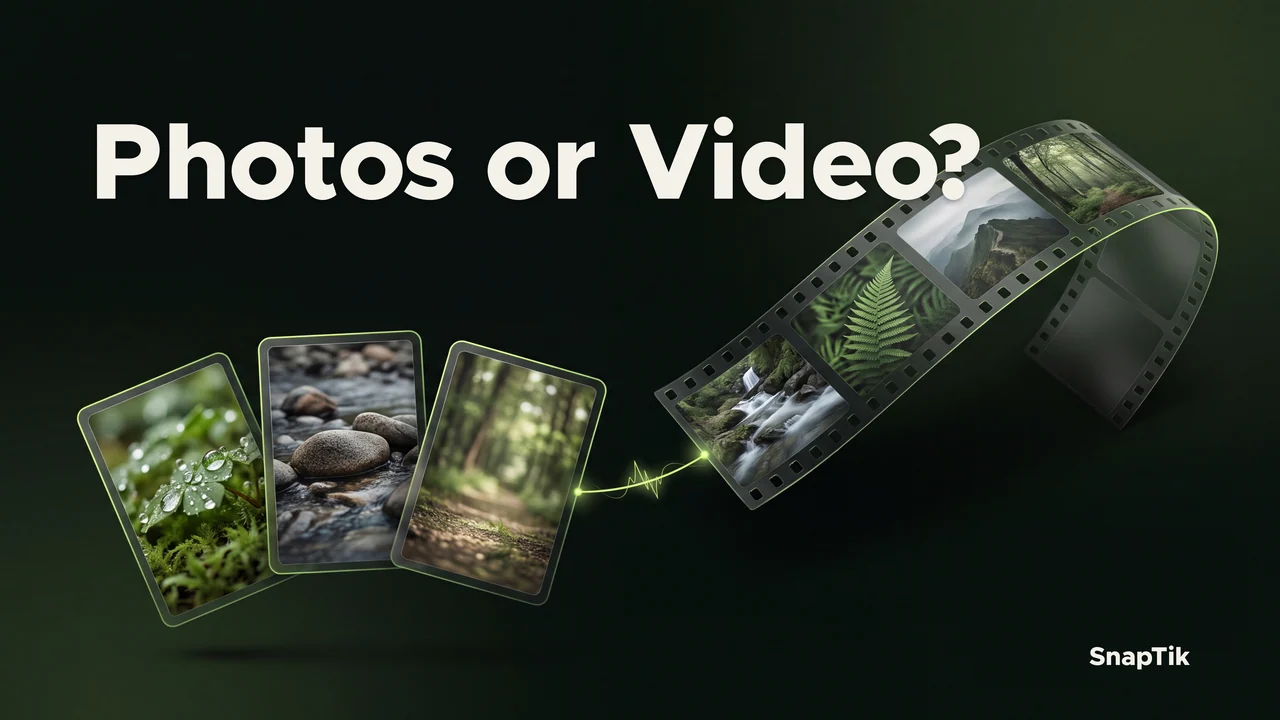
Choose individual photos when you need to inspect or organize each image. Choose an available slideshow video when you need a sequence that plays from beginning to end. A ZIP archive is useful for keeping several photos together, but it does not play like a video. These outputs serve different purposes. SnapTik can show the files available for a post, and slideshow video creation depends on the available media and support in your browser. Decide what you need to keep before choosing a format.
Start with the task, not the filename
Imagine saving a photo tutorial that has a measurement on one slide. A separate image lets you zoom in, reopen that step and place it beside your own notes. A continuous video may be easier to watch, but it can move past the detail before you have finished reading. The better choice depends on how you will use the material after it leaves the browser.
For another task, you might need to show a permitted sequence to a group without manually advancing through files. A video can be more convenient there because a player handles the sequence. You still need to check that its timing, image order and available audio are suitable. Creating a video is not a guarantee of reproducing every transition or interactive feature of the original post.
Before choosing, view the media SnapTik makes available. A result page reflects the particular post, so the options may differ between two links. Do not treat a missing output as a reason to rename another file and assume it will behave the same way.
Save JPEG photos for individual access
A JPEG is a still image. It is useful for keeping a diagram, a reference frame or a slide you have permission to save. Each photo can be opened separately in a compatible image viewer and moved into a folder that suits your project. The filename index helps you identify the original sequence when several images belong to one post.
Photos do not carry a slideshow's soundtrack or display duration. If the meaning depends on narration, keep appropriate written notes or obtain an available audio file separately when you are allowed to use it. A folder of images alone may omit context that was obvious while you were viewing the original post.
JPEG uses compression, so repeatedly editing and saving a working copy can alter image detail. Preserve a first saved copy when possible, and make a separate working copy for annotations or cropping. The video quality explanation also describes why available source detail sets a limit that changing the output cannot remove.
Use a video for continuous playback
An MP4 slideshow is a video output. It combines a sequence into a file that a compatible player can show over time. It can be easier to present or watch without opening each photo individually, especially when you need a single item in a media library. Check the complete result after creation, including the first and final image.
Timing deserves its own review. The browser's generated sequence can differ from the way the original post was experienced, and the available soundtrack may have a different duration from the full image sequence. Look for unreadably short slides, unwanted gaps and endings that cut off information. Do not assume that a completed export is ready for your intended audience.
Video creation can require more memory and processing than saving a still image. Keep the page open while it prepares the file. If creation is unavailable or fails on the device, saving individual photos or a ZIP archive may still be a useful option. The existence of JPEG downloads does not guarantee that every browser can create the MP4 successfully.
Keep a set together with ZIP
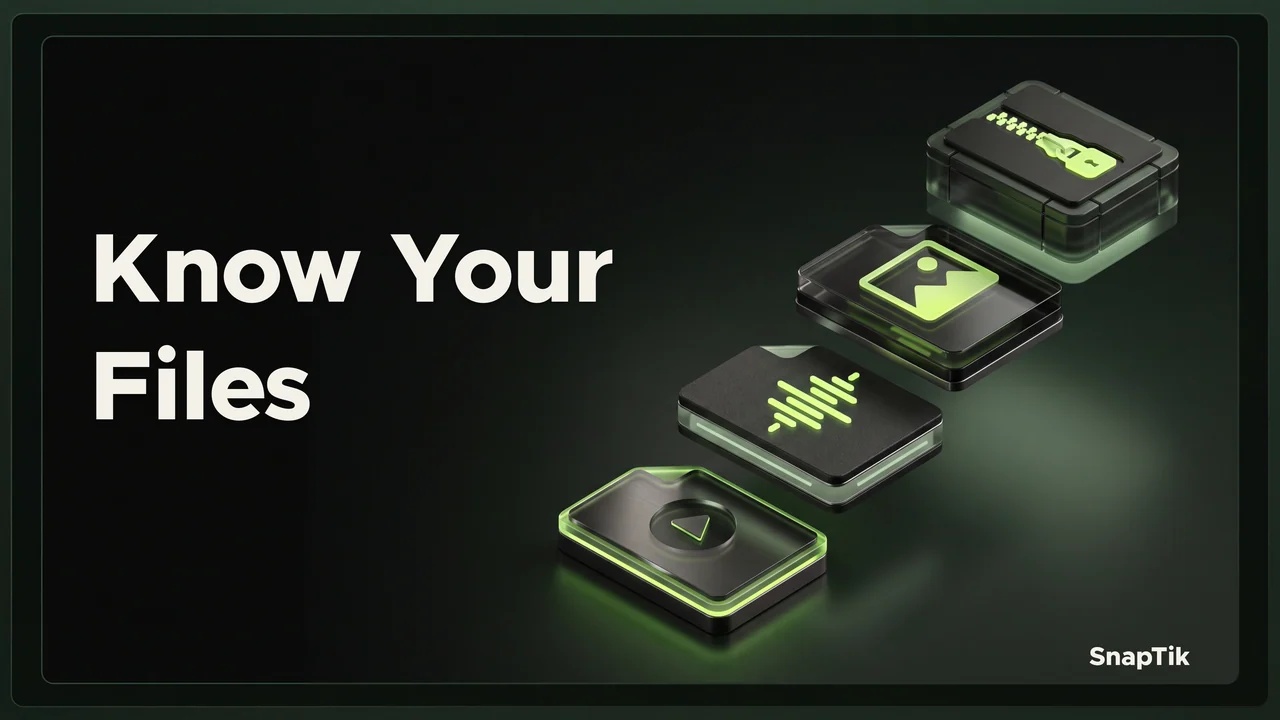
A ZIP archive packages files together. SnapTik's slideshow ZIP contains JPEG photos and does not include audio. It is convenient when you want to transfer or retain a group as one archive, but you must extract the photos before working with them individually in many applications. An archive icon does not mean the photo set has become a video.
The guide to opening a slideshow ZIP covers extraction, numbered filenames and image order. Keep the archive until you have checked that the extracted set is complete. Depending on your device, both the ZIP and the extracted folder may remain in storage at the same time.
A compressed archive is not a promise of a dramatic reduction in size. JPEG photos are already compressed, so the main advantage may be organization rather than a much smaller download. Choose ZIP for managing the collection, not as a way to create additional detail or add a soundtrack to the images.
Check the result before relying on it
Use a short review that matches your chosen output. For photos, compare the count and order with the result page, then open the images that contain important details. For a video, play the complete file and confirm its timing and sound. For a ZIP, extract it and check the files inside rather than assuming a downloaded archive is complete.
If you are uncertain about what an output should contain, the MP4, MP3, JPEG and ZIP guide provides a clear comparison. A filename is helpful for identification, but it cannot replace opening the actual file. Keep the post ID in your folder or notes so that related media can be matched later.
Finally, match the saved material to the permission you have. A file suitable for private reference may not be appropriate for redistribution or inclusion in a new publication. Keep source context and any agreed credit alongside your working files. Choosing a convenient output is only one part of preparing a useful, accurately documented copy.